
You’ve probably rewritten the same subject line five different ways this month. Tried emojis, then dropped them. Tested questions instead of statements. Sent at 8 am, then 10 am, then 2 pm, just to see if timing was the missing piece.
Open rate barely moved. That’s usually the moment people assume cold email is just hard, or that their list is bad, or that the offer needs work.
Here’s what’s actually going on most of the time. If you want to increase open rate in cold email, the subject line isn’t where to start. Inbox placement is. An email sitting in spam has an open rate of zero, no matter how sharp the copy is.
This post walks through what actually moves the number, starting with the part most senders skip past.
Why Cold Email Open Rates Stay Low No Matter What You Try
This is a pattern I’ve watched play out the same way more than once. A team launches a cold campaign. Open rates come in low. Someone blames the subject line, rewrites it, and resends. Open rates stay low.
The subject line was never the issue. The email landed in spam or promotions, and nobody saw it long enough to open it. Spam filters make that call before a reader ever sees a preview pane.
That’s spam filter behavior doing exactly what it’s built to do. Inbox providers score a sending domain before they spend much effort on content. A cold, unestablished domain gets filtered harder, regardless of how good the email is.
The Real Lever Behind Open Rate Is Inbox Placement
Open rate is downstream of inbox placement. If an email lands in the primary inbox, it has a shot at being opened. If it lands in spam or the promotions tab, that shot drops off sharply before the reader does anything at all.
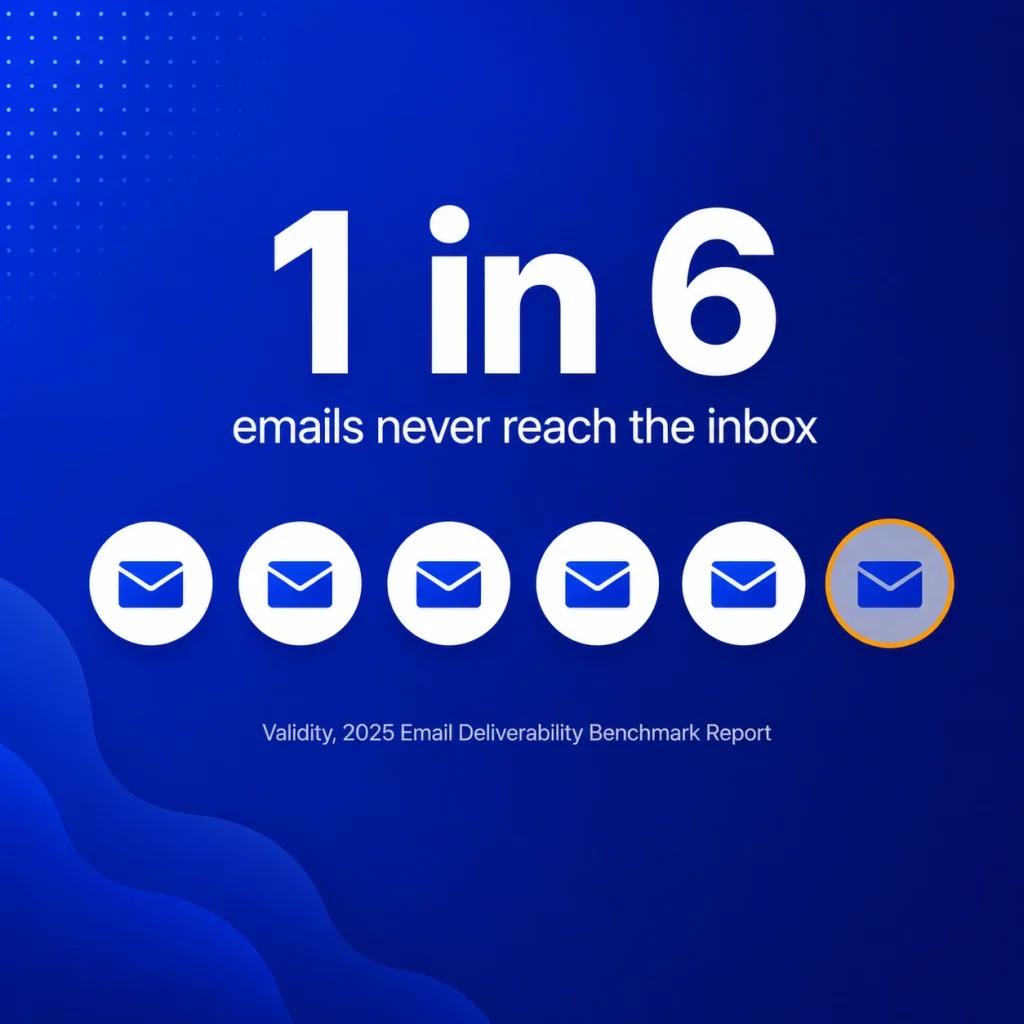
Validity’s 2025 Email Deliverability Benchmark Report puts the global average inbox placement rate at roughly 84 percent. Close to one in six legitimate emails never reaches a primary inbox at all, long before open rate even enters the picture.
Cold email tends to land below that average, not above it. New domains with no sending history get filtered harder than established ones, which is part of why cold email deliverability behaves so differently from regular marketing sends. If you’re trying to scale outreach across multiple domains, the bigger picture on that is worth reading: Cold Email Deliverability: How to Scale Outreach Without Landing in Spam covers the full setup, not just the open rate piece.
The Deliverability-First Open Rate Checklist
Before you touch another subject line, run through this instead. Each item affects whether the email gets seen at all, which is a different question than whether it gets opened once it’s seen.
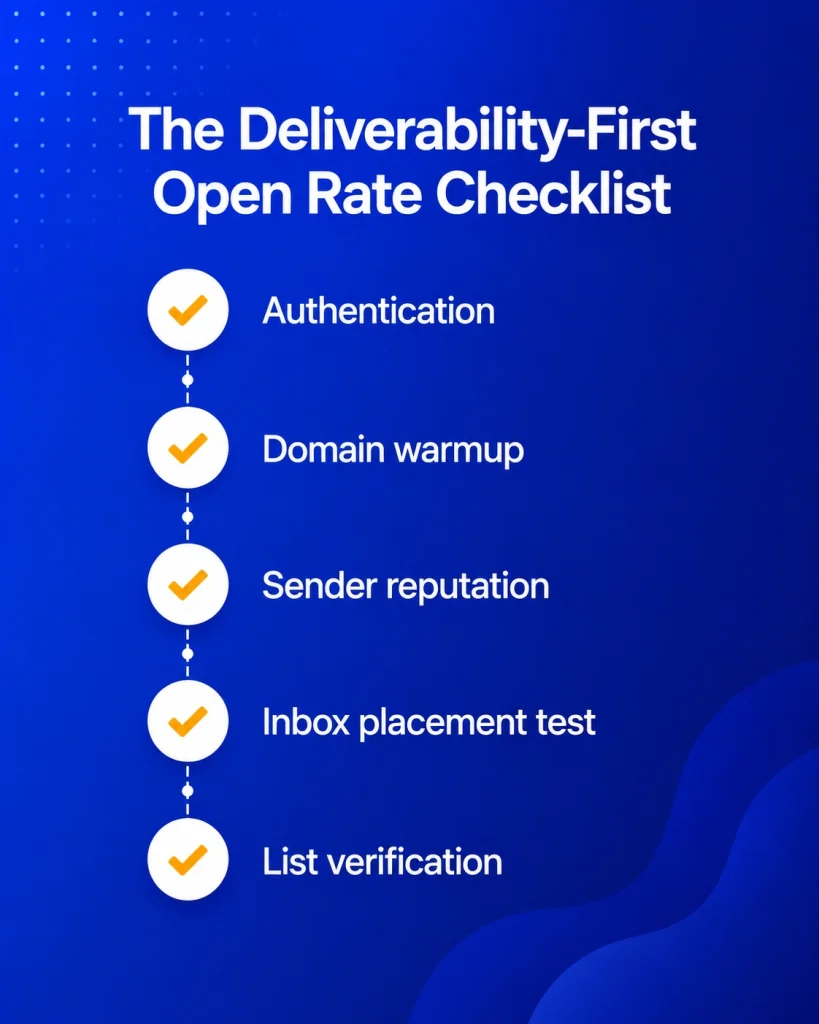
- Authentication passing: SPF, DKIM, and DMARC all verified
- Domain warmed up, not sending cold from day one
- Sender reputation checked before scaling volume
- Inbox placement tested and confirmed as primary, not spam or promotions
- List verified, hard bounces, and dead addresses removed
Fix placement first. Open rate has a habit of improving on its own once the email is actually landing somewhere a person can see it.
Inbox Placement Over Subject Line Testing
This is where a lot of cold email teams burn weeks. They run an A/B test on two subject lines, see no real difference, and decide copy doesn’t matter much for cold outreach.
What’s actually happening is that both versions are landing in spam at roughly the same rate. Testing subject lines against a spam folder tells you nothing useful. There’s no real audience reacting to either one.
Get into the primary inbox first. Subject line testing only starts meaning something once you’re measuring how an actual reader responds, instead of measuring a filtering decision that already happened before they ever saw it.
How Domain Warmup Increases Open Rate in Cold Email
A warmed domain gets treated differently from a cold one. It has a sending history. It has engagement signals attached to it already. Gmail, Outlook, and Yahoo have a reason to extend some trust before your first cold campaign even goes out.
That trust is what moves emails into the primary inbox by default, and primary inbox placement is the floor that open rate sits on.
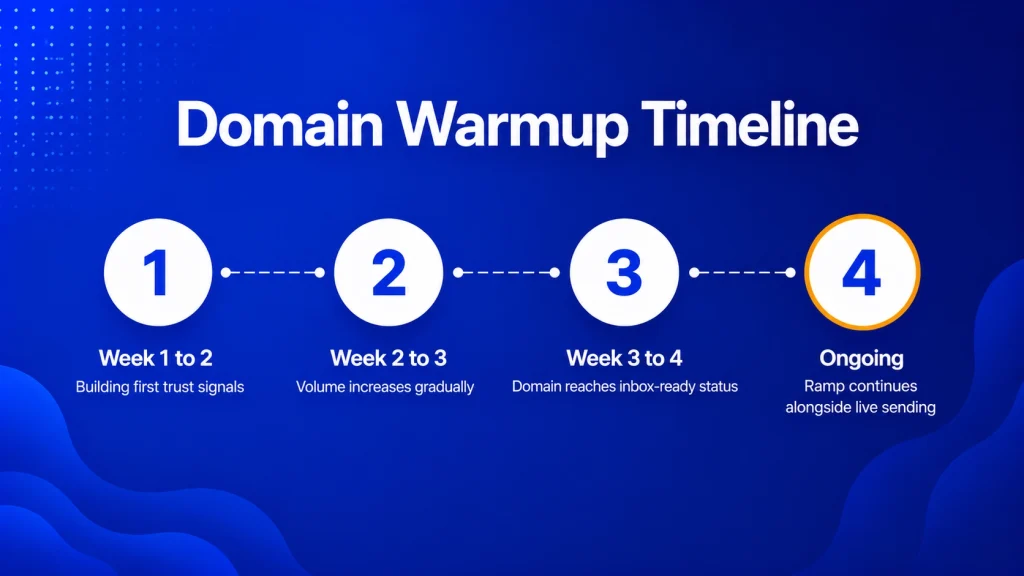
- Week 1 to 2: low volume, building the first trust signals
- Week 2 to 3: volume increases gradually as engagement patterns settle in
- Week 3 to 4: domain reaches inbox-ready status with most providers
- Ongoing: the ramp keeps running alongside live sending, not as a one-time setup step
E-Warmup runs this kind of warmup across a network of 5,000-plus real inboxes, so the engagement signals read as genuine human behavior rather than a fixed seed list that a filter eventually learns to spot.
Content Signals That Still Matter Once Placement Is Fixed
Once your domain is warmed up and authenticated, content stops being the blocker and starts being the thing that actually moves the needle. A few things help here.
Personalization at scale beats clever phrasing most of the time. A line that references something specific about the recipient tends to outperform a polished generic opener.
Plain text usually outperforms heavy HTML for cold email. It reads like an actual message instead of a campaign, and that affects both spam filter behavior and how a recipient reacts.
Obvious spam trigger patterns still cost you too. Too many links, all-caps subject lines, urgency language stacked on urgency language. A warmed domain absorbs some of that better than a cold one would, but it doesn’t make those habits free.
How to Monitor Open Rate After You Fix Deliverability
Open rate improvements after a warmup and authentication fix don’t show up overnight. They build across roughly the same two to four weeks that the domain takes to establish trust.
Inbox placement test scores are your best leading indicator here. A score climbing toward 90 percent or higher, which is the range most cold outreach programs should be aiming for, tends to show up in open rate within days.
Sender reputation score is worth tracking weekly, alongside it. A score holding steady or climbing usually means the domain is building exactly the kind of trust that protects open rate and eventually improves click rate, since both depend on the email being seen in the first place.
Google’s official email sender guidelines ask senders to keep spam complaint rates under 0.1 percent, with 0.3 percent as a hard enforcement line. A domain drifting toward that threshold will usually show declining open rate before anything else flags the problem, so it’s worth a look before you ever pull up a campaign report.
Frequently Asked Questions
Why is my cold email open rate low even with a good subject line?
A low open rate almost always points to a placement problem, not a copy problem. If the email is landing in spam or promotions, the subject line never gets a chance to do anything. Fix authentication, warmup status, and sender reputation before you touch the copy again.
Does email warmup actually increase open rate?
Indirectly, yes. Warmup builds the sending history and engagement signals that push emails toward the primary inbox. Once placement improves, open rate improves too, because more people are actually seeing the email in the first place.
How long does it take to see open rate improve after warming up a domain?
Most domains reach inbox-ready status in two to four weeks. Open rate tends to follow that same curve, improving gradually rather than jumping all at once.
What’s the difference between delivery rate and open rate in cold email?
Delivery rate just means the email reached the mail server, spam folder included. Open rate only happens once the email lands somewhere a human can actually see it. A high delivery rate with weak inbox placement can still produce a low open rate.
Should I A/B test subject lines for cold email?
Only after inbox placement is confirmed. Testing subject lines while emails are landing in spam measures filtering behavior, not reader behavior, and the results won’t tell you anything you can act on.
Does sender reputation affect open rate directly?
Yes. Sender reputation is one of the main signals inbox providers use to decide where an email lands. A weak reputation score pushes emails toward spam or promotions, which caps open rate regardless of how good the content is.
Can a cold email spam test actually predict my open rate?
It’s the closest thing to a leading indicator you’ll get. A spam test shows where your email lands across major providers before it ever reaches your full list, which tells you roughly what open rate is realistic.
Is plain text better than HTML for cold email open rates?
Generally, yes, for cold outreach specifically. Plain text reads as a personal message rather than a campaign, which tends to work in your favor with both spam filters and the person reading it.
Start From Placement, Not the Subject Line
If you’re trying to increase open rate in cold email, the order matters more than the wording. Authenticate first. Warm up the domain. Run an email spam test before scaling volume. Keep an eye on the sender’s reputation the whole time, not just when something looks off.
E-Warmup handles that stack in one place: authentication checks, AI-powered warmup across 5,000-plus real inboxes, and inbox placement testing before you hit send. Setup takes about 25 seconds, and it’s free forever to start. No credit card required.
Related Reading
Inbox Placement Test: The Metric That Decides Your Open Rate. Why delivery rate is the wrong number to track, and what to check instead.
Email Warm-Up Tools Compared: Our Test Results on 7 Platforms. The deeper breakdown of how AI-powered warmup builds the trust signals this post leans on.
