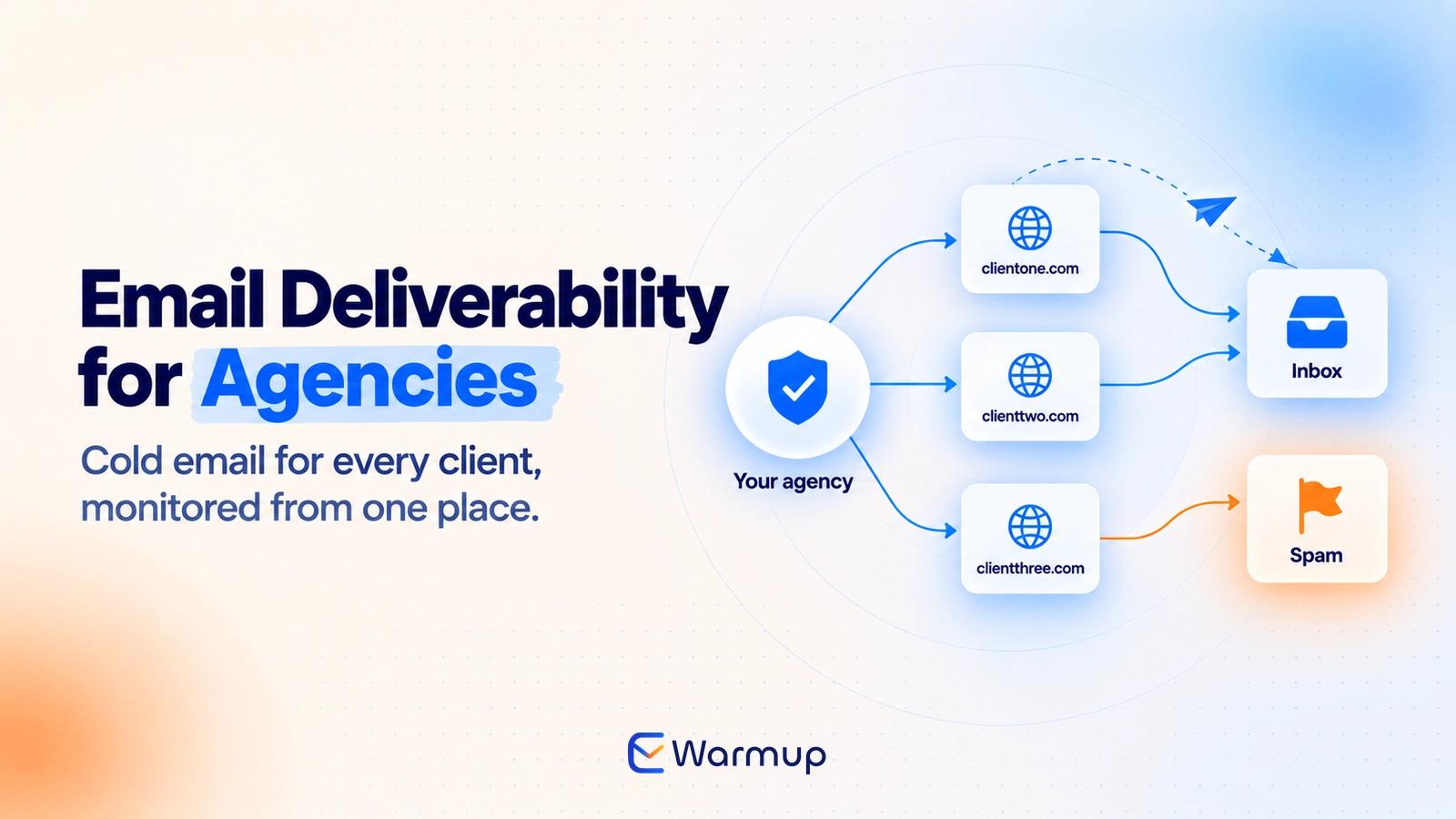
Email deliverability agency work comes down to one job: keeping authentication, warmup, blacklist status and sender reputation healthy across every client domain, using one repeatable routine instead of fifteen improvised ones. Done well, it catches a problem before the client’s campaign does. Done by hand, it slips once the domain list outgrows a spreadsheet.
Key Takeaways
- Blacklist checks, warmup timing and scattered reputation data break first at agency scale.
- Validity’s 2026 benchmark puts Gmail inbox placement at 89.8% and Microsoft at 77.4%, so track providers separately.
- Fifteen clients with two mailboxes each is 30 mailboxes, which costs $189 a month on E-Warmup Premium, or $12.60 per client.
- Write the onboarding checklist once, then run it on every new client domain.
- E-Warmup works for any agency that sends email for clients, and its agencies page shows how.
- Promise clients a process and a report, not an inbox placement percentage.
At some point, client domains stop being a side task. You had three clients, a spreadsheet and a Monday-morning check, and that was enough.
Then it was eight, then fifteen.
On paper, email deliverability for an agency is simple. Warm the domain, authenticate it, send the campaign. The trouble starts when the setup that worked for one domain gets copied fifteen times by hand, and nobody notices which copy drifted.
Fifteen is the number we’ll use throughout, because it is about where manual tracking gives out.
This is the job E-Warmup does for agencies. Cold email, lead-gen, marketing, SEO outreach and recruiting agencies all send email on a client’s behalf, and each one inherits the client’s domain reputation. Our E-Warmup for agencies page shows how warmup, monitoring and placement tracking work across every client domain.
What Breaks First When an Email Deliverability Agency Scales
Three things give out first: blacklist checks, warmup consistency and your view of reputation. None of them throws an error. The work stops happening.
Blacklist alerts get missed
A blacklist listing gives no warning. Replies dip, a client mentions the last campaign felt slow, and by the time someone runs a lookup the listing is a week old.
With one domain, you check when something feels off. With fifteen, something feels off for somebody every week, and the checks never get done. A blacklist monitoring service fixes this by checking every domain on a schedule and telling you which one changed.
E-Warmup’s blacklist monitoring and delisting covers domain-level lists on Basic and up. It does not cover individual IP entries, so if a client sends through a shared ESP IP, check that IP separately.
Warmup drifts between clients
Warmup is a ramp, and a ramp needs someone to start it on the right day. E-Warmup’s schedule for a new domain runs 30 days: 15 days of progressive volume, then 15 days of randomized engagement cycles.
Across fifteen domains onboarded in different weeks, you now track fifteen start dates, fifteen volume ceilings and fifteen answers to “can this one send campaigns yet?”
A client signs, someone sends the first full-volume campaign on day nine, and a domain that began at 40 to 60% inbox placement never gets the runway to reach about 90%.
Those two figures are E-Warmup’s own numbers for new domains before and after 30 days of warmup, not an industry benchmark.
Nobody holds the whole picture
Count the places reputation data lives for one client: Google Postmaster Tools, the DNS records at the registrar, the warmup tool, a blacklist lookup and the client’s ESP dashboard. That is five places. Multiply by fifteen and you have 75 views to keep current.
One of those views also changed shape this year. Google is retiring the original Domain and IP Reputation dashboards and replacing them, according to its Postmaster Tools help page, so any routine built around those charts needs a new anchor.
The numbers differ by provider
A single blended number hides the problem. Validity’s 2026 Email Deliverability Benchmark Report puts global inbox placement at 87.2% for 2025, but the providers sit far apart:
| Provider | Inbox | Spam |
| Gmail | 89.8% | 6.4% |
| Yahoo | 87.3% | 6.4% |
| Apple | 82.0% | 10.8% |
| Microsoft | 77.4% | 15.1% |
That is a 12.4-point gap between Gmail and Microsoft. A client whose list is mostly corporate Microsoft 365 addresses lives in a different world from one selling to Gmail users, and your monitoring has to show that split. E-Warmup’s placement tracking reports inbox and spam by provider, so the Gmail and Outlook gap shows up in the dashboard.
Complaints add up at scale too. Validity reports an average spam complaint rate of 0.06% for 2025 and now advises staying under 0.1%. One client who buys a list can push their own domain past that line in a single send.
That is their domain, not yours, unless you pooled clients onto shared infrastructure. Then it is everyone’s problem.
Shared setups spread the damage
Reputation attaches to a domain, and to the IP address behind it. If you send every client’s mail from one domain or one shared IP, their habits become shared habits. The client with the clean list pays for the client with the bad one.
That is why every client gets a separate sending domain, from day one. It also means monitoring has to run per domain. A pooled number tells you something is wrong. It never tells you whose list caused it.
What an Agency Actually Needs From a Deliverability Tool
An email deliverability tool built for agencies has to scale in price and in visibility: a predictable cost per mailbox, checks that run per domain, automatic blacklist monitoring, and a way to spot trouble without opening fifteen accounts.
One thing up front. E-Warmup’s standard plans have mailbox limits: Basic covers 5, Growth 20 and Premium 40. Past that, Growth and Premium add mailboxes at $9 each, and the High Volume plan (talk to support) has unlimited mailboxes. The table below maps the agency checklist to the product. E-Warmup’s agencies page sums up the goal for each client domain as warmed, monitored and campaign-ready.
| What you need | What to check | How E-Warmup covers it |
| Predictable cost | Price per mailbox at 20 and 40 | $4.95 on Growth, $4.72 on Premium |
| Real engagement | Whose inboxes send and open | 40,000+ real inboxes |
| Plain-English diagnosis | Explains problems per mailbox | Deliverability Agent, every plan |
| Blacklist monitoring | Domain-level lists and delisting | Basic and up |
| Authentication checks | SPF, DKIM, DMARC per domain | DNS score tests on every plan |
| Clients on Klaviyo or Mailchimp | No SMTP login needed | Seed List Warmup from a CSV |
| Room to grow | Mailboxes past 40 | $9 add-on, or High Volume |
Real engagement matters more at agency scale, because one weak warmup source puts every client at risk at once. E-Warmup’s AI Read Emulation, available on Growth and above, opens and reads emails rather than setting an API flag, which is the kind of signal mailbox providers weigh.
The Deliverability Agent sits under the Warmup Activity tab for each mailbox and explains in plain English what is wrong, including missing or failed DMARC, SPF, MX and DKIM records and high bounce rates. For an agency, that turns “why is this domain off?” from a twenty-minute investigation into a read.
And some clients never give you a mailbox login at all. If a client sends through Klaviyo, Mailchimp or a similar platform, Seed List Warmup works from a CSV upload with no SMTP or IMAP access. Credits never expire and start at $6 for 50 seeds, so a seasonal client costs you nothing while idle. Our guide to warming up without SMTP walks through the setup.
Which agencies this fits
Any agency that sends email on a client’s behalf runs into the same problem. The sending domain belongs to the client, and its reputation follows every campaign. What differs is where it breaks first:
| Agency type | What it sends for clients | Where it breaks first |
| Cold email and outbound | Prospecting from new secondary domains | Full volume before the ramp ends |
| Lead-gen and marketing | Campaigns and nurture from the client’s own domain | One weak list hurts the client’s main domain |
| SEO and link-building outreach | Outreach to site owners at scale | Low replies and complaints drag reputation down |
| Recruiting | Candidate and client outreach | Cold messages to people who never opted in |
| Newsletter studios | Recurring sends to subscriber lists | Engagement fades and placement slips |
The routine in this guide stays the same across all of them, and only the volume changes.
E-Warmup’s agencies page describes the same setup. You connect each client mailbox over Gmail, Outlook or SMTP, set daily volume and ramp-up speed, and let the platform generate opens and replies. Live placement tracking shows inbox against spam. The page also lists case studies, including one agency that managed 200+ client domains and reached 96% inbox, and a recruiting agency that rebuilt a domain after three blacklist entries.
What fifteen clients actually cost
Here is the arithmetic on monthly pricing, assuming two mailboxes per client unless noted:
| Scenario | Mailboxes | Plan | Monthly cost | Per client |
| 5 clients, 1 mailbox each | 5 | Basic | $49 | $9.80 |
| 10 clients, 2 mailboxes each | 20 | Growth | $99 | $9.90 |
| 15 clients, 2 mailboxes each | 30 | Premium | $189 | $12.60 |
| 15 clients, 3 mailboxes each | 45 | Premium plus 5 add-ons | $234 | $15.60 |
The 30-mailbox row has a quirk worth knowing. Growth plus ten extra mailboxes at $9 also comes to $189, but Premium gives you 40 mailboxes and 500 emails a day per mailbox for the same money. Take Premium.
Treat these as planning numbers. They use monthly pricing only, and your mailbox count per client will vary with how much each one sends.
Check the test allowance too. Premium includes 50 DNS tests and 50 placement tests a month, which works out to about three of each per domain at fifteen clients. Basic includes 10 of each, so five clients get two apiece.
If you want to test the routine before committing, the Free Forever plan covers one mailbox with 10 warmup emails a day, plus 5 DNS tests and 5 placement tests a month. One client domain is enough to run the whole checklist below once.
Setting Up a Repeatable Process Across Clients
Write one onboarding checklist and run it on every new client domain, in the same order, with the same definition of done. Two people onboarding two clients on different days should end up with the same result.
| Step | What to do | Done when |
| 1 | List every sending source: ESP, CRM, outreach tool, billing system | Client signs off on the list |
| 2 | Set up SPF, DKIM and DMARC | All three pass and DMARC reports arrive |
| 3 | Run a blacklist check and a placement test | Baseline results saved |
| 4 | Decide: primary domain or separate cold domain | Decision written in the client file |
| 5 | Connect mailboxes and start warmup | Warmup shows active |
| 6 | Keep sends small until the ramp ends | Full volume only after day 30 on a new domain |
| 7 | Set alerts and name an owner | Someone gets every blacklist and bounce alert |
| 8 | Send the first report | Client has it by day 30 |
Step 2 is where most onboarding stalls, so give it tools. The free SPF Records Checker and DMARC Record Generator take a few minutes each.
Start DMARC at p=none, read the reports, then move up. Validity’s benchmark recommends at least p=quarantine and ideally p=reject, so the aim is to get there once the reports are clean.
Step 4 sets how much risk the client carries. A client who sends cold outreach from their main domain puts their invoices and replies at risk with it. Keeping cold outreach on a separate domain is the safer default, and in most agency setups, you should.
Step 6 is the one people skip. E-Warmup’s agencies page says first campaigns can go out in about 10 days, starting around 20 emails a day, with volume climbing over the weeks after. It feels slow to tell a new client their full campaign waits for day 30. It feels much worse to explain a burned domain in week three. If you have been through that conversation once, you won’t skip it again.
Taking over a domain that already has a history
Not every client is new. Plenty arrive with a domain that has sent for years, and some arrive because the last agency burned it.
Do not start warmup on day one. Run a blacklist check and a placement test first, and ask for the last 90 days of complaint and bounce data if the client can export it. A clean history lets you shorten the ramp. This is the fix-it side of agency work, and E-Warmup’s agencies page covers it too: fixing deliverability across every client domain, not only new ones.
A damaged one needs its cause fixed first, sometimes with a rest period, because warming a domain that still sends to a bad list hides the problem for a week. If the history is bad enough, a fresh domain can be faster than rehabilitation.
The weekly, monthly and quarterly rhythm
Onboarding is a one-time job. Keeping clients healthy is a rhythm:
- Weekly: review alerts, bounce rate and complaint rate on active campaigns.
- Monthly: recheck DNS records, run a placement test per major provider, read DMARC reports and send the client summary.
- Quarterly: review DMARC policy, retire or rest any domain that keeps sliding, and recheck mailbox counts against your plan.
Pair that with a sender reputation score you can read at a glance. Validity’s report recommends keeping a Sender Score above 90, and describes anything below 80 as a warning sign. You don’t have to chase a perfect number. Watch the direction, and investigate any domain that drops.
Protecting Client Relationships, Not Just Metrics
Clients leave over surprises. A domain gets listed, a campaign underperforms, and the first they hear of it is their own sales team asking questions.
Most of the damage is preventable with expectations set at the start. Three things clients assume that you should correct early:
- Warmup guarantees inbox placement. It builds the conditions for it, and list quality and content still decide the rest.
- A shared sending domain is fine. It works until one client’s complaint spike hits everyone else.
- Open rates tell the story. They stay noisy, so lead with placement tests and complaint rate instead.
Then put the scope in writing. You control setup, monitoring and response. The client controls list quality, consent and the offer. Write that split down before the first campaign, so you have something to point to when a bad list causes trouble.
The hardest conversation is the one where a client wants to send to a list you do not trust. Have the rule ready in advance: no purchased lists, and a complaint rate above 0.1% pauses the campaign. Agreed before the first send, it reads as policy.
What goes in the monthly report
Keep it to one page and four numbers: authentication status, blacklist status, complaint rate and placement test results by provider. Add two lines on what changed and what you did about it.
E-Warmup reports 98% inbox placement across its network, and clients like to hear numbers like that. Be careful quoting it. Reaching that level takes a longer warmup, a clean domain history and a good list, and the client owns the last of those.
What to do when a client domain gets listed
Have the playbook before you need it:
- Tell the client the same day, before they find out themselves.
- Pause campaigns on that domain.
- Find the cause: list quality, a spike in volume or a compromised account.
- Fix the cause, then request delisting.
- Resume at reduced volume and run a placement test before ramping back up.
And keep the message short. Something like: “Your sending domain appeared on a blocklist this morning. We paused campaigns, we found the cause and we’ve requested removal. We’ll send an update by end of day tomorrow.”
That message works because it is specific, owns the action and sets a time. Clients tend to accept a problem you reported. They resent one they heard about from someone else.
Agency Deliverability FAQ
How many client domains can one person monitor manually?
It depends on your checks, so time your own. As an illustration, five weekly checks per domain (blacklist lookup, DNS records, Postmaster Tools, placement test, warmup review) at five minutes each is 25 minutes per domain, or about 6 hours a week for fifteen. With an 8-hour budget, you top out near nineteen.
What is email deliverability for agencies?
It is the work of keeping every client’s sending domain authenticated, warmed and out of spam, whether the agency runs cold outreach, lead-gen or newsletters for them. That covers authentication, domain warmup, blacklist monitoring, placement testing and incident response, so the client never has to diagnose a problem themselves.
Should every client get their own sending domain?
Yes, in almost every case. Reputation attaches to the domain, so separate domains keep one client’s complaint spike from reaching another. Separate domains also let you retire a damaged one without touching the rest.
How do you warm up client domains at scale?
Use the same schedule for every new domain and track start dates in one place. Connect each client’s mailboxes to a warmup tool, keep early sends small until the ramp finishes and confirm with a placement test. Email warmup services that report per mailbox make the tracking much easier.
How much does it cost to warm up 15 client domains?
At two mailboxes per client, that is 30 mailboxes. On E-Warmup’s monthly pricing, that is the Premium plan at $189, or $12.60 per client. With three mailboxes per client, Premium plus five add-ons comes to $234.
What should an agency do when a client domain gets blacklisted?
Tell the client the same day and pause campaigns on that domain. Find the cause before requesting delisting, because removal without a fix tends to end in a repeat listing. Then resume at lower volume.
Does E-Warmup work for agencies?
Yes. E-Warmup keeps every client domain warmed, monitored and campaign-ready, and it fits any agency that sends email for clients, from marketing and lead-gen to outbound and recruiting. Client mailboxes connect over Gmail, Outlook or SMTP, and clients on Klaviyo or Mailchimp use Seed List Warmup. The agencies page has the details.
Can agencies warm up clients who send through Klaviyo or Mailchimp?
Yes. Those platforms don’t allow a mailbox connection, so Seed List Warmup works from a CSV upload instead. It needs no SMTP or IMAP access, and credits never expire. If a client’s Mailchimp campaigns keep landing in spam, this fix is a good place to start.
Run Every Client Domain From One Routine
An email deliverability agency earns its fee in the weeks when nothing goes wrong, and that takes a routine that doesn’t depend on someone remembering. Start with one client domain this week. Run the eight steps, save the baseline and see how long it takes.
E-Warmup warms through 40,000+ real inboxes, watches your authentication and blacklist status, and explains problems in plain English as they appear. Setup takes under 30 seconds, and the Free Forever plan needs no credit card.
Paid plans carry a 14-day money-back guarantee when you are ready to add the rest of your clients. See how E-Warmup works for agencies, or manage your first client domain free forever.