QUICK TAKEAWAYS
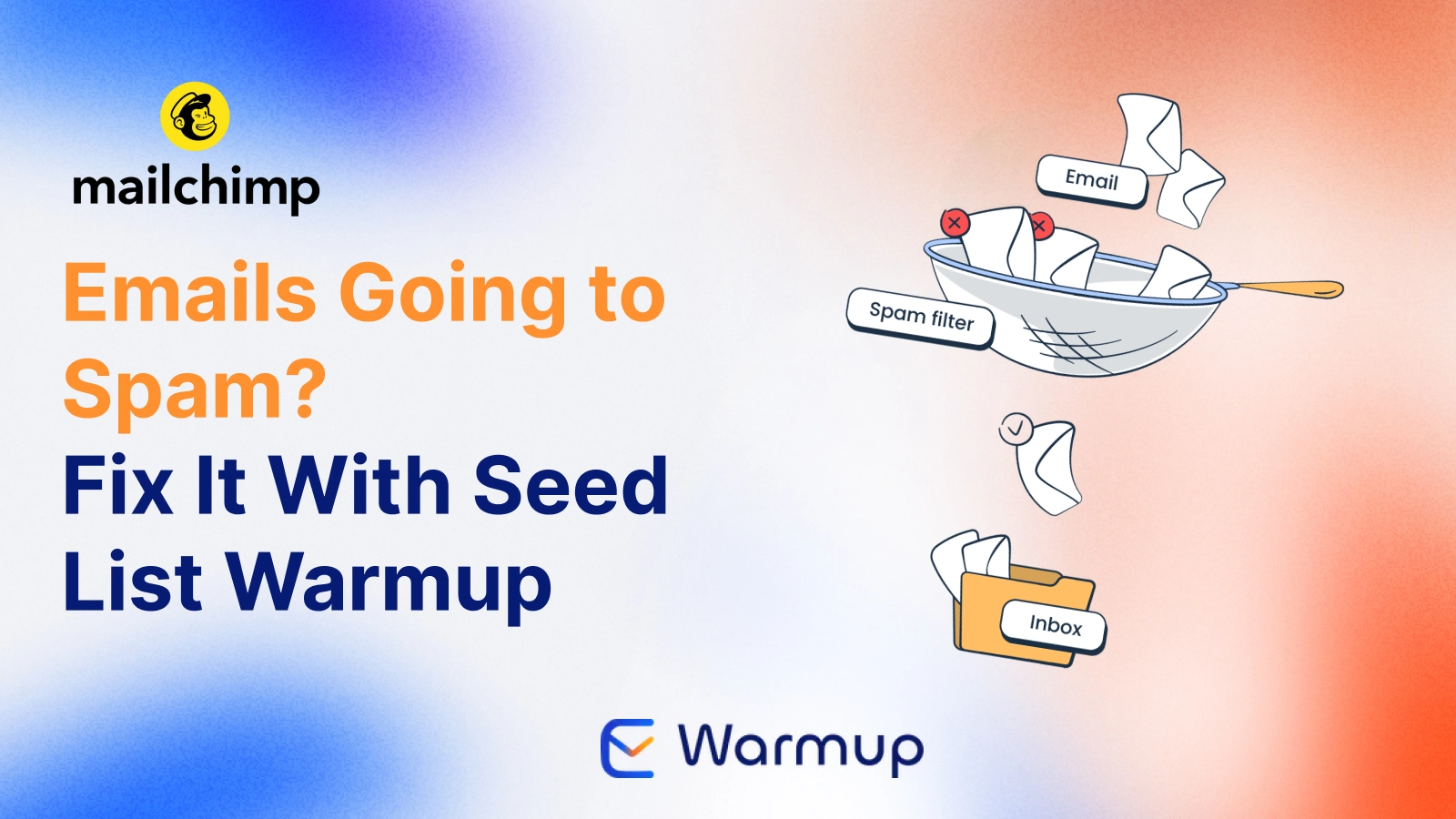
- The problem: Mailchimp sends your campaign as configured, but Gmail, Outlook, and Yahoo decide where it actually lands. Mailchimp emails going to spam.
- The real cause: Usually sending history, not content, especially on a new or irregular-sending domain.
- The fix: E-Warmup’s Seed List Warmup builds that history through real, engaged seed inboxes, no SMTP access needed.
- Pricing: One-time credits from $6, no subscription.
You send a campaign the same way you always have, and this time fewer people see it. No error message, no obvious cause, just quieter numbers than usual.
If your list and content haven’t changed much, the issue is likely happening after Mailchimp sends the message, at the inbox provider’s filtering layer.
This guide covers the usual causes, the sending-history gap that most Mailchimp deliverability advice leaves out entirely, and how E-Warmup’s Seed List Warmup fixes MailChimp emails going to spam.
What Mailchimp Controls, and What It Doesn’t
Mailchimp handles composing, scheduling, and sending your campaign. Whether that campaign lands in the inbox, Promotions, or Spam is decided by Gmail, Outlook, Yahoo, and every other provider on your list.
Those decisions are based on authentication, sending history, and recipient engagement. None of that is something Mailchimp directly controls once the message leaves its servers.
That’s why a campaign can look completely fine inside Mailchimp’s dashboard while still struggling to reach the inbox.
Common Causes of Mailchimp Deliverability Problems
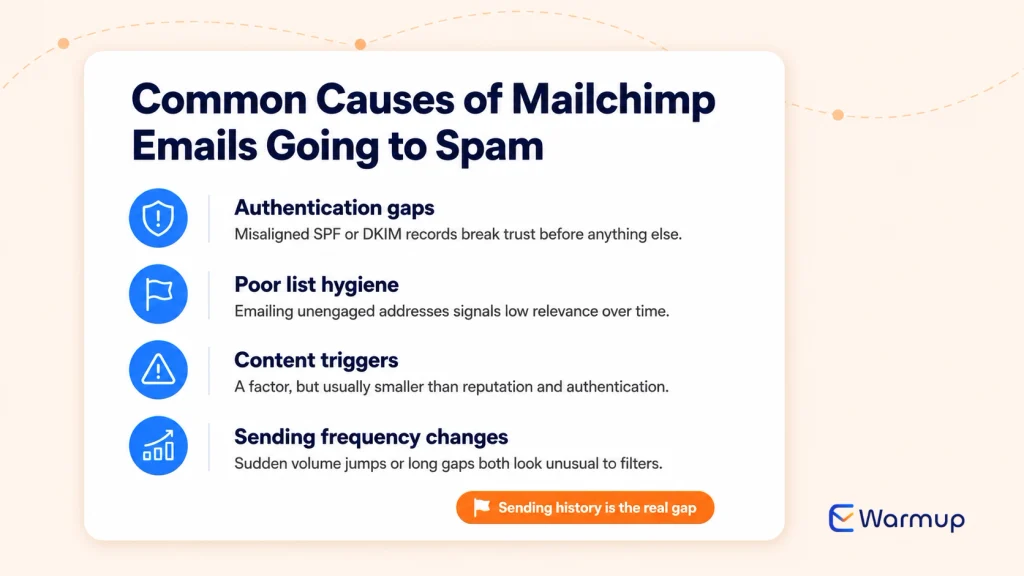
Authentication gaps are a frequent culprit, particularly SPF or DKIM records that aren’t properly aligned with your sending domain. This is worth checking first, since it undermines everything else you try afterward.
List hygiene matters just as much. Repeatedly sending to addresses that never open or click signals low relevance to inbox providers, even if the rest of your setup is clean.
Content triggers can play a role too, though they tend to get more attention than they deserve relative to reputation and authentication issues.
Sending frequency changes are an underrated factor. A sudden jump in volume, or a long gap followed by a burst of activity, both look unusual to a filtering system.
The Real Gap: No Sending History to Build On
A domain that’s new, or one that’s been sending irregularly, doesn’t have a track record inbox providers can use to judge it favorably. This is often the actual driver behind inconsistent Mailchimp deliverability, more than any single campaign’s content.
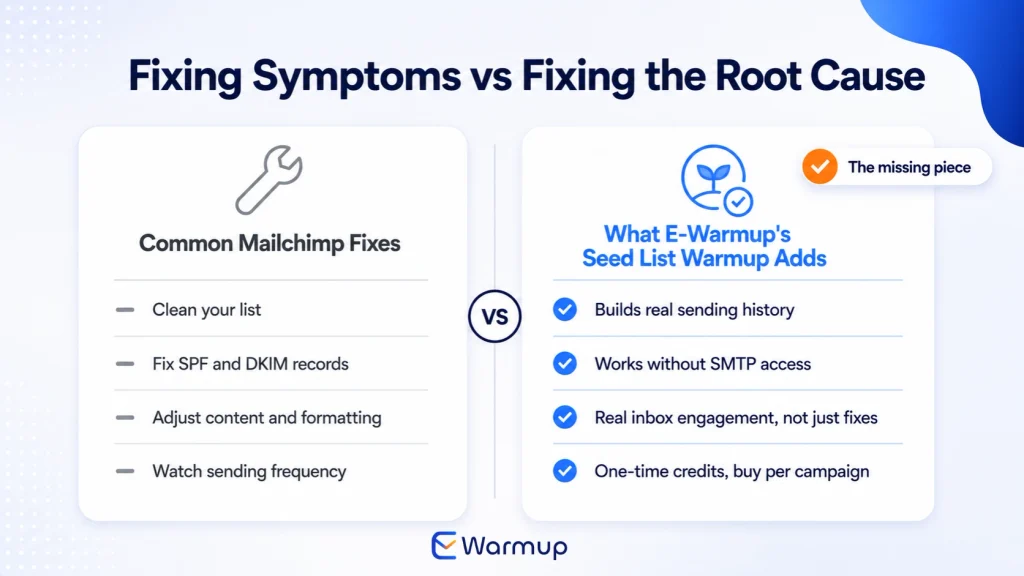
Fixing it requires building consistent, positive engagement over time. Tweaking one email at a time, or cleaning your list once, doesn’t address the underlying trust gap on its own.
Why Traditional Warmup Tools Can’t Connect to Mailchimp
Standard warmup tools need SMTP or IMAP access to a mailbox to work. They send from that mailbox and monitor engagement through it directly.
Mailchimp sends from its own infrastructure and doesn’t expose that kind of access. That leaves a real gap, since the reputation issue is exactly the kind of thing warmup normally solves, but the usual mechanism has nothing to plug into on a platform like this.
Building Sending History With E-Warmup’s Seed List Warmup
This is the specific problem E-Warmup’s Seed List Warmup is built to solve. No SMTP? Warm up anyway, and you buy per campaign, not per month.
Instead of requiring SMTP access, E-Warmup gives you curated lists of real, engaged seed inboxes across Gmail, Outlook, Yahoo, and other providers. You import that list into Mailchimp as an audience and send a campaign to it directly.
Those seeds open, click, and occasionally rescue a message from spam, generating genuine engagement signals in the process. Sent consistently over a few weeks, that builds the sending history your regular campaigns are currently missing.
What This Looks Like in Practice
Setting it up takes a few steps inside your existing workflow. You enter the sender address you’ll be sending from, download a fresh seed list from your E-Warmup dashboard, drop a short tracking code into your email body, and send the campaign to that imported list.
The seeds engage automatically over the following days, and results, including placement broken out by provider, show up on your E-Warmup dashboard as they come in.
What a Mailchimp Seed List Campaign Costs on E-Warmup
Credits are one-time and never expire, and pricing scales with the size of the list:
- 50 seeds — $6
- 100 seeds — $11
- 200 seeds — $19
- 400 seeds — $28
- 600 seeds — $37
- 800 seeds — $46
- 1,000 seeds — $55
A 50-seed pack at $6 is a low-cost way to test the process on a single Mailchimp send before scaling up to a larger list. Check Pricing.
Mailchimp Deliverability FAQ
Why did my Mailchimp emails suddenly start going to spam?
Usually a shift in engagement or sending pattern that inbox providers picked up on, even if nothing in your Mailchimp setup changed. Domains with limited sending history are especially sensitive to this, since there’s less established trust to fall back on.
Does list cleaning fix Mailchimp deliverability on its own?
List cleaning helps, but it addresses a different part of the problem than sending history does. A perfectly clean list sent from a domain with no track record can still struggle to reach the inbox.
How many seeds should I start with?
Start with a smaller pack, like 50 or 100 seeds, to establish a baseline, then scale up based on how placement responds. Larger lists give more statistically reliable, per-provider data once you’re ready for it.
Will Seed List Warmup affect my Mailchimp campaign stats?
Seed addresses will show up as engaged contacts in your reporting. Keeping them in a dedicated segment, separate from your real audience, keeps your actual campaign performance metrics accurate.
How long until I see results?
Most senders see measurable improvement within two to three weeks of consistent sending. A domain recovering from a recent drop in deliverability typically needs more time than a domain starting from a clean slate.
The Bottom Line
Mailchimp deliverability problems usually trace back to sending history, not the platform itself or any single campaign. E-Warmup’s Seed List Warmup builds that history directly inside Mailchimp, and you only pay for what you actually send.
Related Reading

Instantly Alternatives: What Instantly, Smartlead, and Woodpecker’s Built-In Warmup Actually Does
Sending History 101: How Inbox Providers Judge Your Email Domain Reputation

Click Rate vs Click Through Rate: Why the Same Campaign Shows Two Different Numbers
How to Fix Sender Reputation After Landing in Spam (30-Day Plan)
Email Reputation Checker Says 100%? Why That Doesn’t Mean Your Campaigns Reach the Inbox